
Permission
Only work in a client's ad account with the owner's permission, and agree with the client how AI is used.
Speed up Facebook and Instagram ad research, creative and campaign builds, and keep your team and your clients in control of approvals.
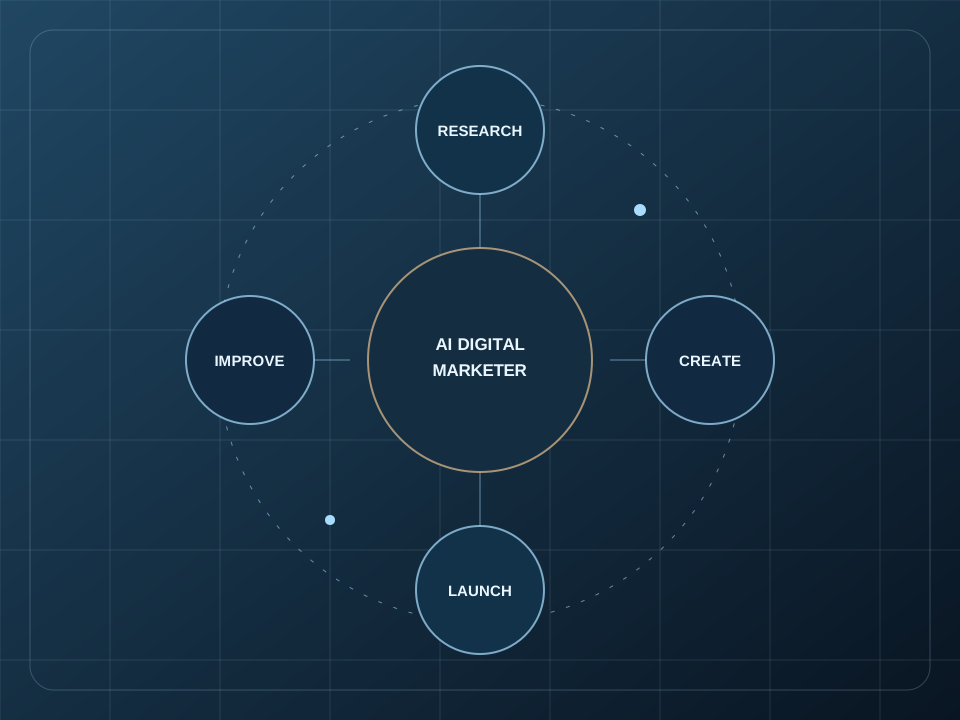 AI Digital Marketer / Ampgent
Agencies are paid for outcomes but limited by production time: research, angles, copy, image variations and campaign builds for every client, every month.
The AI Digital Marketer can take the first pass of that work for an offer you give it, so your team spends more time on strategy and client communication. Level 1 is built around one business's ads at a time. Multi-client management, bulk workflows and reporting integrations are not part of the Toolkit.
This is the same AI Digital Marketer described on our overview page, pointed at your offer, and the one-time $47 Toolkit is where it starts. Results are never guaranteed. They depend on your offer, audience, budget, creative and market.
You choose how much it does and what needs your approval.
Only work in a client's ad account with the owner's permission, and agree with the client how AI is used.
Decide who checks drafts before launch. The AI prepares; your team approves.
Compare the Toolkit with your reporting and workflow tools. Level 1 does not replace them.
It is a starting point for individual ad accounts. If you need multi-client management, bulk workflows or integrations, tell Max what you need. Further levels are in development.
Either. It works from the offer you give it. Established agencies will want to compare it with their own process first.
No. It speeds up preparation and review. You or your media buyer still decide what is approved and what is spent.
Have a question about AI Learning, AI Tools, or AI Staff? Choose a time to talk directly, or chat with Max, our AI chat agent, about what you're trying to accomplish.
Describe your goal, ask about a service, or explore where to begin.
Ask Max about the AI Digital Marketer for marketing agency owners.
Chat is powered by LeadConnector. Selecting Start chat allows the external chat service to load.
If chat does not appear, check your connection or try the sticky chat button.